A USB Dongle is a small device that you plug into your computer’s USB port to add new features or functions. You can use a USB Dongle to connect to Wi-Fi, pair with Bluetooth devices like headphones, or store important files. Some dongles protect your data or help you sign in securely. You get more options and flexibility with your devices by using these handy tools.
Key Takeaways
-
A USB Dongle adds new features to your computer, like Wi-Fi or Bluetooth, without needing a new device.
-
Different types of USB Dongles serve various purposes, including connecting to the internet, enhancing security, and providing extra storage.
-
Using a USB Dongle is simple; just plug it into a USB port, and your device gains new capabilities quickly.
-
Dongles improve security by requiring physical access to software, making it harder for unauthorized users to gain entry.
-
These small devices are portable and convenient, allowing you to upgrade older systems easily and carry them anywhere.
USB Dongle Basics
What Is a USB Dongle
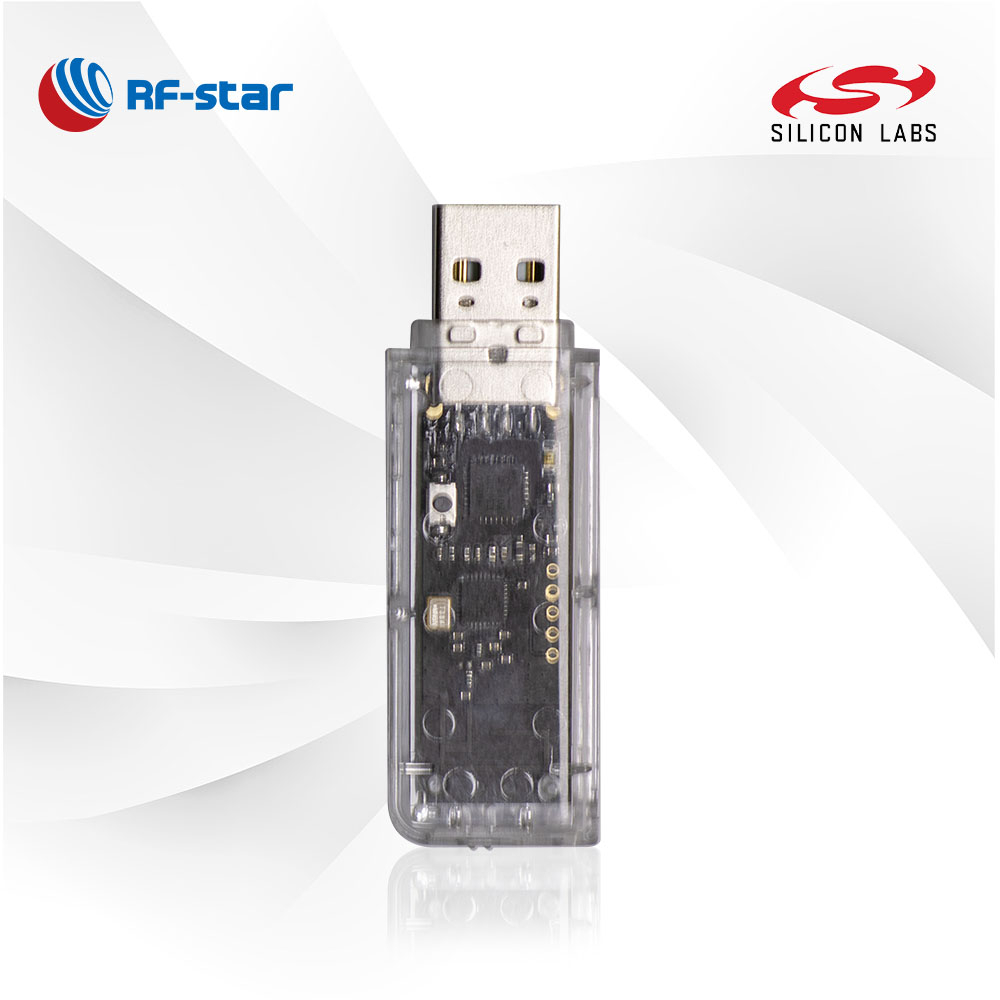
You can think of a USB Dongle as a tiny helper for your computer or laptop. When you plug it into a USB port, it gives your device new abilities. For example, you might use a USB Dongle to connect to Wi-Fi if your computer does not have built-in wireless support. You can also use one to add Bluetooth so you can pair with wireless headphones or speakers. Some USB Dongles let you store files, while others protect your information or help you log in securely.
Tip: If your device lacks a feature, a USB Dongle can often solve the problem without needing to buy a new computer.
Here is a technical definition that helps clarify what a USB Dongle is:
|
Term |
Definition |
|---|---|
|
Dongle |
A small piece of computer hardware that connects to a port on another device to provide additional functionality. |
|
USB |
A standard connection interface that allows devices to communicate and transfer data. |
You can use a USB Dongle for many purposes:
-
Plug it into your USB port.
-
Add memory or storage.
-
Enable Bluetooth or Wi-Fi connections.
-
Adapt your device to work with other equipment.
How USB Dongles Work
When you connect a USB Dongle to your computer, several steps happen to make it work. You do not need to understand every technical detail, but knowing the basics helps you use these devices confidently.
-
You attach the USB Dongle to your device.
-
The dongle receives power from the USB port.
-
Your computer resets the dongle and sets it to a default speed.
-
The dongle gets a unique address so your computer can recognize it.
-
Your computer configures the dongle for its specific function.
-
If you stop using it, the dongle enters a low-power state to save energy.
USB Dongles use different types of data transfers depending on their purpose. For example, a storage dongle might use bulk transfer to move large files, while a security dongle uses control transfer for configuration. Here is a table showing the main types of data transfers:
|
Transfer Type |
Description |
|---|---|
|
Control transfer |
Used for configuration data of the device. |
|
Bulk transfer |
For large amounts of data transmission. |
|
Interrupt transfer |
For limited data transmission with low latency. |
|
Isochronous transfer |
For data transfer with real-time requirements. |
You might wonder how fast a USB Dongle can transfer data. The speed depends on the type of USB port you use:
|
USB Type |
Maximum Data Transfer Rate |
|---|---|
|
USB-A |
Up to 5 Gbps |
|
USB-C |
Up to 40 Gbps (with Thunderbolt 3/4) |
If you use a USB Dongle for storage or streaming, you get faster performance with newer USB ports. You can rely on these devices to expand your computer’s abilities quickly and easily.
Types of USB Dongles
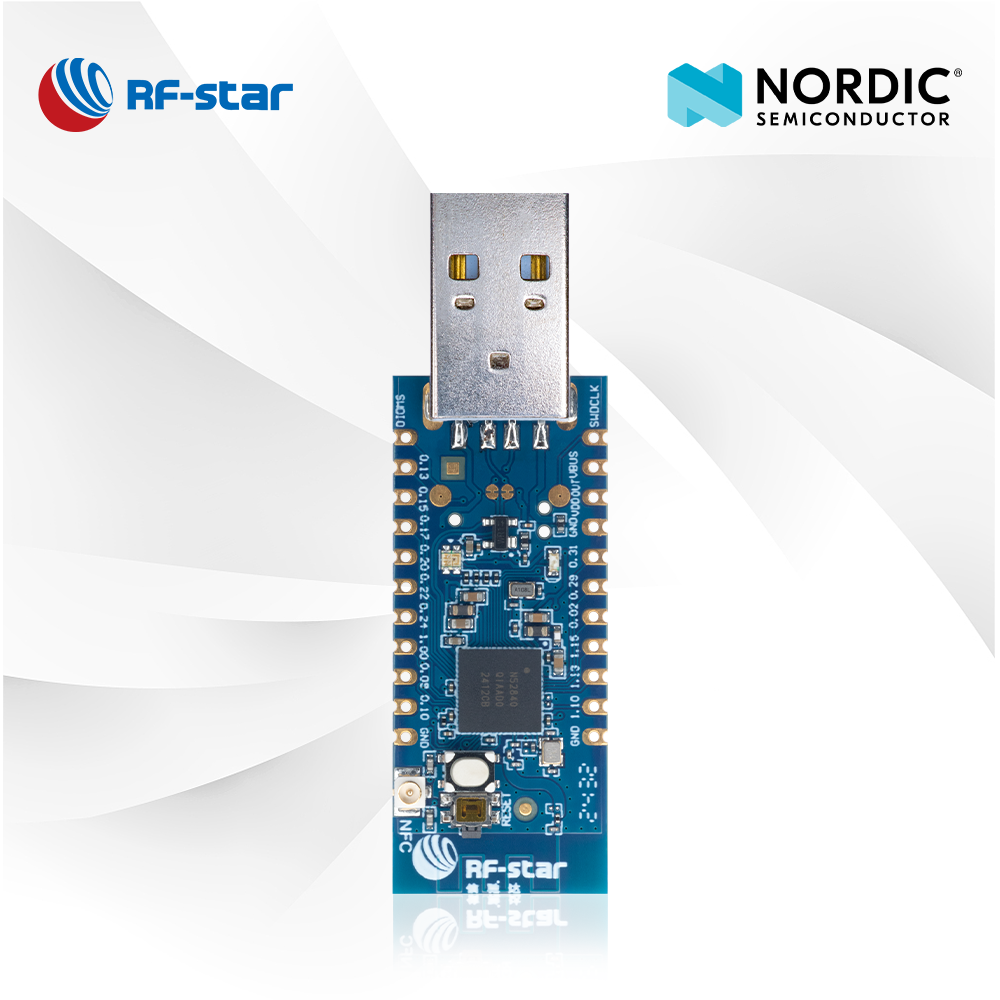
You can find several types of USB dongles, each designed for a specific purpose. These devices work with many operating systems and hardware, making them a flexible solution for expanding your computer’s abilities.
Wi-Fi Dongles
Wi-Fi dongles let you connect to wireless networks even if your device does not have built-in Wi-Fi. You simply plug the dongle into your USB port, and your computer can access the internet wirelessly. This feature is especially useful for desktops and ultra-slim laptops. Wi-Fi dongles also help you share internet connections and transfer files between devices.
Tip: Wi-Fi dongles work with most operating systems, including Windows and macOS, so you can use them on almost any computer.
Bluetooth Dongles
Bluetooth dongles add wireless connectivity for devices like headphones, speakers, keyboards, and mice. You can connect up to seven or eight devices at once, depending on your system. Some dongles focus on high-quality audio for music lovers and gamers, while others offer simple plug-and-play solutions for older computers.
|
Type of Dongle |
Use Case Description |
|---|---|
|
High-End USB-C Dongle |
Supports high-quality audio and low-latency modes for gaming and music. |
|
Simple USB-A Dongle |
Adds wireless audio capability to desktops and older laptops. |
|
USB-C Dongle with Charging |
Lets you listen and charge your device at the same time. |
Security Dongles
Security dongles protect your data and software. These devices act as a physical key, so only you can access certain programs or files when the dongle is connected. Security dongles use strong encryption, unique hardware serial numbers, and secure cryptoprocessors to keep your information safe. They make it difficult for unauthorized users to copy or use protected software.
Security dongles offer better protection than software-only solutions because they require a physical device for access.
Storage Dongles
Storage dongles, also known as USB flash drives, let you store and transfer files easily. You can find models with capacities ranging from 8 megabytes up to 4 terabytes. These dongles work with many devices and operating systems, making them a reliable choice for backing up important data or moving files between computers.
|
Category |
Description |
|---|---|
|
Storage Dongles |
Used for data storage and transfer. |
|
Adapters |
Facilitate connections between different devices. |
|
Key Dongles |
Provide physical software protection and security. |
You can use USB Dongle models like V92HU-E2 with non-Windows systems, but you may need a special driver.
Uses and Benefits
Expanding Connectivity
You can use a USB Dongle to add new connections to your devices. Many computers and gadgets do not have built-in wireless features. When you plug in a dongle, you give your device the ability to connect to Wi-Fi or Bluetooth networks. This upgrade helps you use the internet, share files, or connect to other devices without extra hardware changes.
Here is a table showing how different sectors use dongles to expand connectivity:
|
Sector |
Common Use Cases |
|---|---|
|
Healthcare |
- Medical device interoperability and remote patient monitoring.
- Coordination between devices and transmission of patient data.
|
|
Payments and Retail |
- Mobile point-of-sale systems that turn mobile devices into payment terminals.
- Enhancing the retail experience through mobility and personalization.
|
|
Automotive and Industrial |
- Connecting devices in automotive electronics and manufacturing.
- Enabling external input devices for equipment control.
|
|
Consumer Electronics |
- Expanding functionality of devices like smartphones and laptops.
- Providing additional storage, wireless capabilities, and enabling software authentication.
|
A USB Dongle helps you connect devices that lack built-in networking. You can add wireless communication to older computers or equipment, making them more useful in modern settings.
Enhancing Security
You can use dongles to protect your data and software. Security dongles offer several advantages:
-
You need the physical dongle to access protected software, which helps prevent piracy.
-
You can use different licensing agreements without changing the software.
-
The dongle stores an encryption key, so you can run secure programs even without internet access.
-
Dongles embed authorization keys that verify your identity on different platforms.
-
You get a physical method of two-factor authentication, which creates a strong barrier against hacking.
-
Public and private keys on the dongle keep your data safe from copying or theft.
-
The physical separation between the dongle and software stops unauthorized users from gaining access.
Note: Security dongles work well for both software and hardware protection, requiring your physical presence for access.
Convenience and Portability
You will find dongles easy to use and carry. Their small size lets you upgrade older systems, such as adding Wi-Fi to an old laptop, without replacing the whole device. You can plug a dongle into any compatible port to add new features or storage.
-
Dongles allow you to upgrade legacy systems quickly.
-
You can carry them in your pocket or bag for use anywhere.
-
You can add features like wireless connectivity or extra storage with a simple plug-in.
A USB Dongle gives you flexibility and convenience, making it a smart choice for students, professionals, and anyone who needs more from their devices.
You have learned how a USB Dongle can expand your device’s capabilities. You gain network sharing, easy setup, and cross-platform support. See the table below for key takeaways:
|
Benefit |
Description |
|---|---|
|
Network Sharing |
Share dongles over Wi-Fi, LAN, or Internet without unplugging. |
|
Multi-Connect |
Let multiple users access the same dongle at once. |
|
Easy Setup |
Install, log in, and connect—no extra hardware needed. |
You can upgrade old systems, enjoy rapid prototyping, and support new technology trends. If you want flexibility and convenience, a USB Dongle is a smart choice.
FAQ
Can you use a USB dongle on any computer?
You can use most USB dongles on any computer with a USB port. Some dongles may need drivers or software. Check compatibility with your operating system before you buy.
Do USB dongles need batteries?
USB dongles do not need batteries. Your computer supplies power through the USB port. You do not have to worry about charging or replacing batteries.
How do you install a USB dongle?
-
Plug the dongle into your USB port.
-
Your computer may install drivers automatically.
-
If not, follow the instructions provided with the dongle.
Are USB dongles safe to use?
USB dongles are safe if you buy from trusted brands. You should avoid sharing dongles with unknown sources. Security dongles protect your data and help prevent unauthorized access.