A WIFI module, also known as a wifi microcontroller, is a device that enables wireless data communication for electronics. You see wi-fi modules in everyday items like smart home gadgets, industrial equipment, and medical devices. These modules let your devices connect to wi-fi networks, making remote control and data sharing simple. Over the past decade, wifi modules have become essential because of advancements in technology, lower costs, and higher demand for connected products.
|
Year |
Market Size (in billion USD) |
Growth Rate (%) |
|---|---|---|
|
2023 |
15.23 |
N/A |
|
2024 |
63.23 |
N/A |
|
2025 |
71.72 |
N/A |
|
2032 |
27.58 |
7.85 |
You rely on wifi for seamless integration and communication in the modern world.
Key Takeaways
-
WIFI modules enable wireless communication for devices, making it easy to connect and control smart gadgets from anywhere.
-
Advanced features like OFDMA and MU-MIMO improve connection speed and reliability, especially in crowded networks.
-
Choosing the right WIFI module involves checking compatibility, range, performance, and security features to ensure reliable operation.
-
WIFI modules are essential in various applications, including smart homes, healthcare devices, and industrial automation, enhancing efficiency and convenience.
-
Always prioritize strong security measures, like WPA3 encryption, to protect your data when using WIFI modules.
WIFI Module Functions
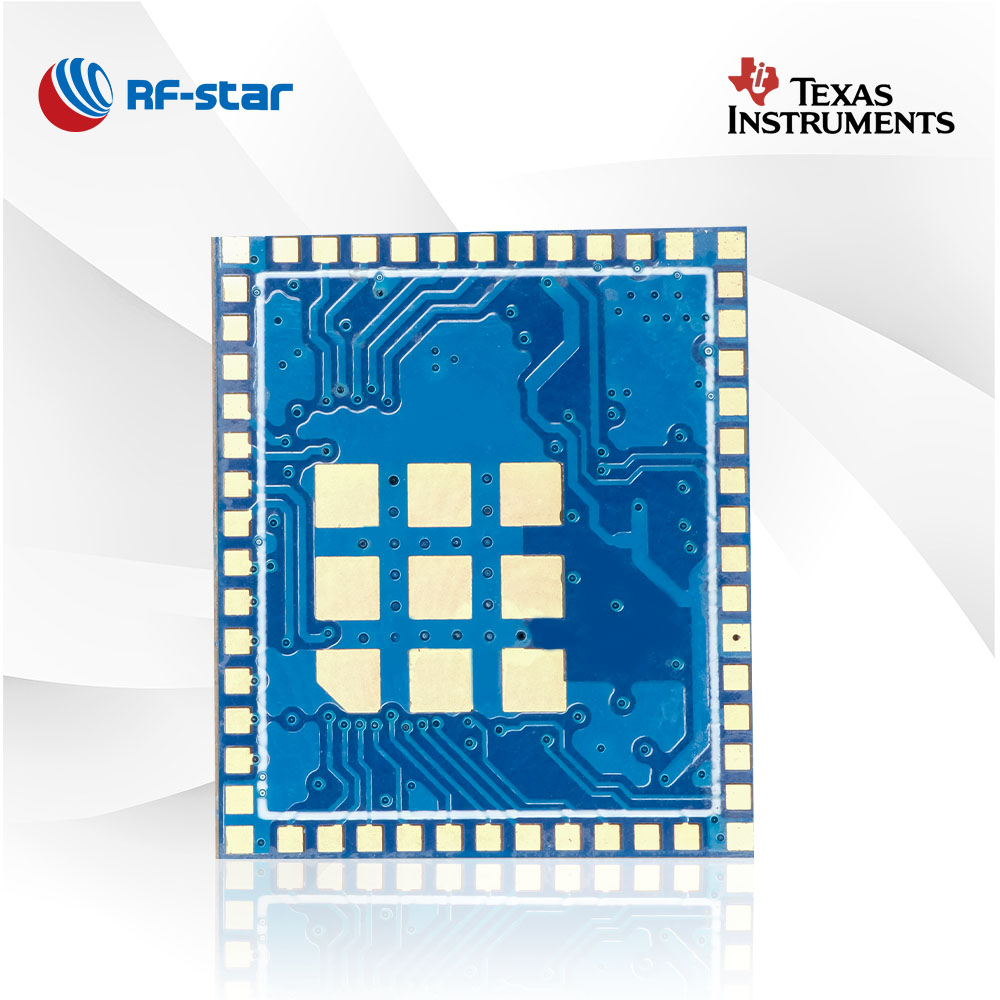
Wireless Data Communication
You use a wifi module to send and receive data without wires. This function forms the backbone of modern wireless communication. When you connect your devices to a wi-fi network, the module manages how information travels between your device and the internet. Advanced features like Orthogonal Frequency Division Multiple Access (OFDMA) and Multi-User Multiple Input Multiple Output (MU-MIMO) help you get faster and more reliable connections, especially when many devices share the same network.
|
Functionality |
Description |
|---|---|
|
Orthogonal Frequency Division Multiple Access (OFDMA) |
Enhances spectral efficiency, allowing more clients to be serviced with precise resource allocation. |
|
Multi-User Multiple Input Multiple Output (MU-MIMO) |
Supports multiple data streams, improving network capacity and data rates for more devices. |
You can find these technologies in popular modules like the esp8266, which you often use with arduino boards for iot projects. These modules make it easy for you to build smart devices that communicate efficiently.
Command and Control Capabilities
A wifi module gives you the power to control and monitor your devices from anywhere. You can turn on your smart lights, adjust your thermostat, or check your security cameras using your phone or computer. This remote access makes your life more convenient and secure.
-
Wireless modules enable remote management and monitoring, allowing you to control devices from anywhere.
-
They facilitate data transmission, which includes sending commands and receiving feedback from devices.
-
The scalability of wireless networks allows you to add new devices easily, making your system flexible and future-proof.
You benefit from these capabilities in both home and industrial settings. For example, you can manage factory equipment or medical devices without being physically present.
Network Integration
You rely on wifi modules to connect your devices to different types of networks. These modules support standard interfaces like UART, SPI, and I2C, which makes integration with various systems straightforward. They also use standardized protocols such as IEEE 802.11, ensuring that your devices work well with products from different manufacturers.
|
Feature |
Description |
|---|---|
|
Ease of Integration |
Designs that simplify integration with standard interfaces (UART, SPI, I2C) for various systems. |
|
Standardized Protocols |
Utilizes IEEE 802.11 series for interoperability and compatibility among different manufacturers. |
|
Wide Coverage |
Supports large coverage areas suitable for homes, businesses, and public places. |
Network connectivity gains more and more importance in industrial applications. Data-base connectivity, browser frontends for configuration and setup, and remote maintenance are but a few features requiring a network interface. Such a network interface must however under no circumstances delay or block the DSP’s main task: real-time signal processing.
Many wifi modules come with an integrated tcp/ip stack. This feature lets you connect to the internet or local networks without needing extra hardware or software. Dual WiFi/Bluetooth modules also enhance your device’s flexibility. They combine high-speed wifi with low-power Bluetooth, so you can connect to a wide range of devices and applications. This versatility supports everything from smart home gadgets to advanced industrial systems.
How WIFI Modules Work
Basic Operation
You use a Wi-Fi module to connect your device to a wireless internet network. The module acts as a bridge between your device and the wi-fi signal in your home, school, or workplace. When you power up your device, the wifi module starts searching for available networks. It scans the airwaves for wi-fi signals and lists the networks it finds.
The ESP8266 is a popular example of a wifi module that makes this process simple. This module contains a full tcp/ip stack, which means it handles all the steps needed to connect to the internet. You do not need extra chips or complicated wiring. The ESP8266 can give any microcontroller, such as an arduino, access to your wifi network. You can use it to build smart devices for iot projects or to add wireless features to existing electronics.
|
Feature |
Description |
|---|---|
|
Self-contained operation |
The ESP8266 can run its own applications or help another processor connect to wi-fi. |
|
Integrated protocol stack |
The module includes a full tcp/ip stack for easy internet and network access. |
|
Flexible use |
You can use it with arduino boards or other microcontrollers for smart and iot applications. |
Connectivity Process
You follow a few basic steps to connect your wifi module to a wireless internet network. Here is a simple outline of how you can set up a module like the XBee WiFi:
-
Power on your device and wifi module.
-
Use configuration software, such as XCTU, to set up the connection.
-
Choose the wi-fi network you want to join by entering the SSID (network name).
-
Set the encryption protocol, such as WPA2, to keep your connection secure.
-
The module connects to the network and gets an IP address.
-
Your device can now send and receive data over the internet.
You can repeat these steps for many types of wifi modules. This process lets you add wireless features to almost any electronic device.
Tip: Always use strong encryption protocols to protect your data and keep your communications safe.
Communication Protocols
You rely on communication protocols to make sure your wifi module works with different networks and devices. These protocols set the rules for how data moves between your device and the internet. Most wifi modules support several common standards:
|
Protocol |
Features |
|---|---|
|
802.11a |
Offers high speed but shorter range. |
|
802.11b |
Provides better range but slower speeds. |
|
802.11g |
Balances speed and range. |
|
802.11n |
Improved speed and range with MIMO. |
|
802.11ac |
High speed for HD video streaming. |
|
802.11ax |
Latest standard, faster speeds in crowded environments. |
You find older protocols like 802.11b useful for applications that need longer range. Newer standards, such as Wi-Fi 6 (802.11ax), work best in places with many devices, like schools or offices. Most wifi modules also support TCP/IP communications, which is the main way devices talk to each other on the internet.
You can use these protocols to connect smart devices, iot sensors, or even industrial machines. The flexibility of wifi modules helps you build reliable and secure wireless systems for many different uses.
WIFI Module Uses
Smart Devices and IoT
You see wifi modules powering many smart devices in your daily life. These modules help you connect products like smart thermostats, lighting systems, and security cameras to your home network. You can control these devices remotely using your smartphone or voice assistant. In the world of iot, wifi modules play a key role in wearable health monitors and smart insulin pumps. These devices send real-time health data to doctors, improving patient care. You also find wifi modules in industrial automation. Machines and sensors use wifi to communicate wirelessly, which boosts operational efficiency and enables real-time data processing.
-
Smart home devices: thermostats, lighting, security cameras
-
Healthcare iot: wearable monitors, smart insulin pumps
-
Industrial automation: wireless machine and sensor communication
Tip: You can use a widely used wi-fi module to build your own smart devices for internet of things projects.
Industrial and Medical Applications
You rely on wifi modules for critical tasks in factories and hospitals. These modules must meet strict reliability and RF performance standards. In healthcare, standards like IEEE 11073 and IEEE 1073.0.1.1 ensure safe and accurate data exchange between bedside devices. You see frameworks such as IEEE 1073.3.5 and IEEE 1073.3.5.3 supporting wireless medical data transport across networks. Reliability matters most in healthcare systems. You need wifi modules that adapt to changing network conditions and maintain stable connections. In industrial settings, wifi modules help you monitor equipment and automate processes without physical wiring.
-
IEEE 11073: bedside device interoperability
-
IEEE 1073.0.1.1: RF wireless technology guidelines
-
Reliability: adapts to network changes, ensures stable operation
Consumer Electronics
You use wifi modules in many consumer electronics. Smartphones, tablets, laptops, and smart TVs depend on wifi for internet access and streaming. You enjoy wireless connectivity in gaming consoles, printers, and cameras. These devices use wifi modules to connect to networks, share files, and access online services. You benefit from fast and reliable wifi connections that make your daily tasks easier.
|
Device Type |
Example Uses |
|---|---|
|
Smartphones |
Internet, apps, streaming |
|
Smart TVs |
Streaming, smart features |
|
Gaming Consoles |
Online gaming, downloads |
|
Printers |
Wireless printing |
|
Cameras |
File sharing, remote access |
You see wifi modules everywhere, making your devices smarter and more connected.
WIFI Module Types
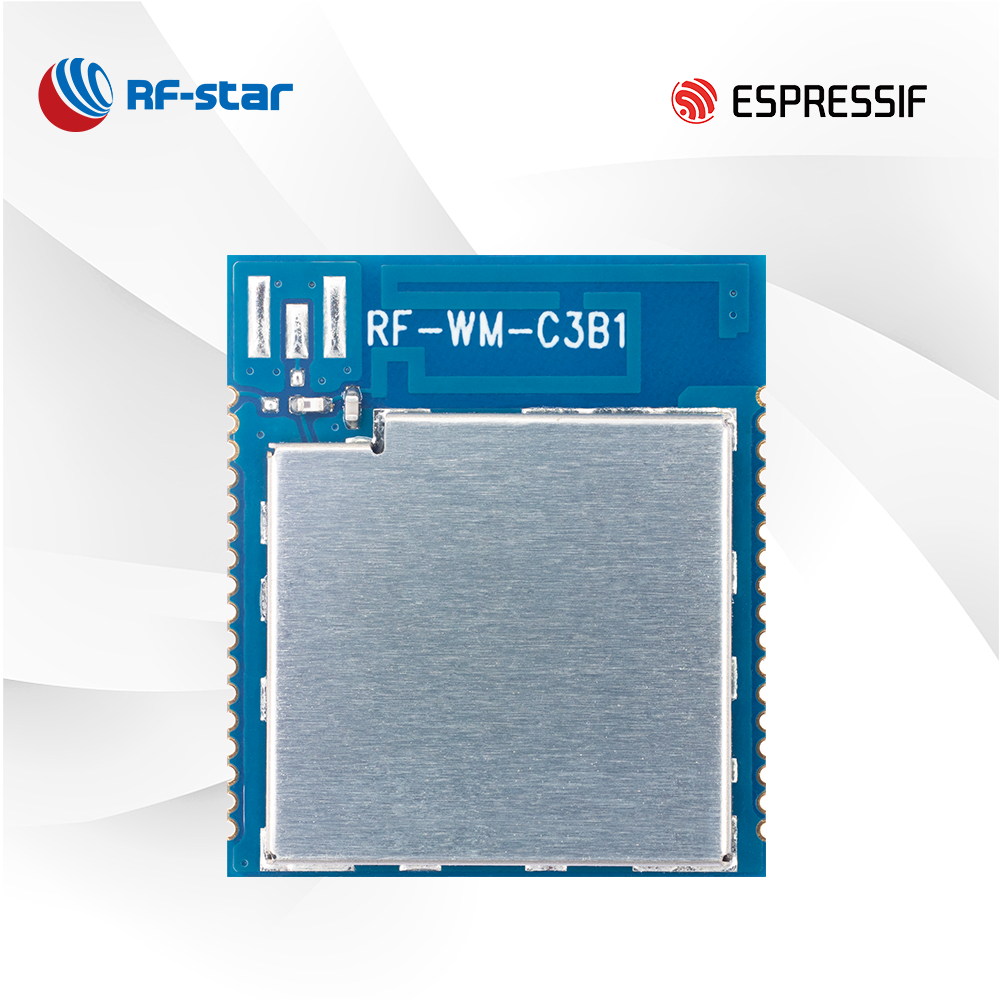
You can choose from several types of WIFI modules, each designed for different needs and devices. Understanding these types helps you pick the right module for your project or upgrade.
M.2 and PCIe Adapters
You often find M.2 and PCIe adapters in laptops, desktops, and industrial computers. M.2 cards are compact and fit inside modern laptops to save space and improve battery life. PCIe adapters work well in desktops and industrial machines where space is less limited. These adapters offer stable and low-latency connections, which are important for gaming, streaming, or industrial automation.
|
Solution Type |
Best For |
Potential Pitfalls |
Budget Range (EU) |
|---|---|---|---|
|
M.2 E-key Combo Card |
Desktop builders, laptop upgraders, users prioritizing stability & low latency |
Incompatible with CNVi-only boards without BIOS update; requires internal slot |
€12–€15 |
|
USB Wi-Fi 6 Adapter |
Users with no internal slots, temporary setups, or need flexible antenna placement |
USB 2.0 bottleneck (max ~480 Mbps); inconsistent Linux driver support |
€6–€33 |
Note: M.2 cards support different interfaces like USB, SATA, and PCIe. You should check your device’s compatibility before upgrading.
Embedded and Standalone Modules
You use embedded WIFI modules when you want to add wireless features directly onto a circuit board. These modules are small and fit inside smart devices, sensors, or industrial equipment. Standalone modules, like the esp8266, come ready to use and often include their own processor and memory. You can connect them to microcontrollers or use them by themselves for simple wireless projects.
-
Embedded modules save space and power, making them ideal for wearables and IoT sensors.
-
Standalone modules give you flexibility for prototyping and DIY electronics.
You see embedded modules in products that need to stay small and efficient. Standalone modules help you build smart gadgets quickly.
Smart Relay and Dual-Mode Modules
You gain extra flexibility with smart relay and dual-mode WIFI modules. These modules can switch between different network types, such as 4G and Wi-Fi. This feature helps your devices stay connected, even when one network is unavailable.
-
4G to Wi-Fi modules let your smart devices send data over long distances and switch to Wi-Fi when available.
-
Devices can adapt to changing network conditions, ensuring stable and efficient communication.
-
Dual-mode modules support both Wi-Fi and Bluetooth, so you can connect to a wider range of devices and applications.
Tip: Dual-mode modules make your IoT projects more reliable by allowing seamless transitions between networks.
You can use these advanced modules in smart homes, industrial automation, or remote monitoring systems. They help your devices stay online and responsive, no matter where you deploy them.
Choosing a WIFI Module
Compatibility
You should always check compatibility before you select a WIFI module for your device. Make sure the module works with your microprocessor, operating system, and any peripheral devices you plan to use. If you skip this step, you may face communication problems or poor performance. For example, if you use arduino in your project, you need to confirm that the module supports arduino libraries and interfaces. Arduino support for esp8266 is a popular choice because it allows you to add wireless features to many types of autonomous project designs. You also need to consider software drivers and hardware pinouts to avoid integration issues.
Range and Performance
You want your WIFI module to deliver strong range and reliable performance. Range matters most if your devices need to communicate over long distances or through walls. Performance depends on several radio frequency (RF) metrics. The table below shows important RF performance metrics you should review:
|
Metric |
Description |
|---|---|
|
Output Power (dBm) |
Maximum power delivered, affects signal quality. |
|
Transmit Gain (dB) |
Maximum gain, helps avoid distortion. |
|
Output 1dB Compression Point |
Shows gain compression, impacts output power. |
|
Efficiency |
Ratio of RF output to DC power, affects power consumption. |
|
2nd/3rd Harmonic Suppression |
Reduces unwanted frequencies that can cause interference. |
|
Noise Figure (NF) |
Measures noise added by the module, important for clear signals. |
|
Receive Gain (dB) |
Ability to boost weak signals, improves reception. |
|
Input 1dB Compression Point |
Reflects linearity, prevents interference. |
|
Third-Order Intercept Point |
Shows amplifier linearity, affects signal quality. |
|
Out-of-Band Rejection |
Blocks signals outside the target frequency band. |
You should also consider power consumption. WiFi uses more power than Bluetooth, so it may not suit battery-powered devices. Features like Target Wake Time help reduce power use during idle periods. Brands like Ezurio and Silicon Labs offer industrial-grade modules with excellent RF performance and efficiency for demanding environments.
Security Features
You need strong security features to protect your data. Modern WIFI modules support advanced encryption, authentication, and secure protocols. Look for modules with WPA3 support, secure firmware updates, and secure boot capabilities. Some vendors provide a clear process for handling vulnerabilities and releasing patches. These features keep your information safe, especially in sensitive applications like medical devices or financial systems. Always choose a module that matches your security needs and keeps your data confidential.
Tip: Secure firmware updates and signed images help prevent unauthorized access to your devices.
When you select a WIFI module, focus on compatibility, range, RF performance, power consumption, and security. This approach ensures your arduino-based project or autonomous project will work reliably and safely in any environment.
You now understand that a WIFI module lets your devices connect wirelessly and share data. These modules power smart homes, medical tools, and industrial machines. You rely on them for fast and secure connections.
-
Check compatibility with your device.
-
Review performance and range.
-
Choose strong security features.
Smart choices help you build reliable and safe wireless systems for any project.
FAQ
What is the difference between a WiFi module and a WiFi adapter?
A WiFi module connects your device to a wireless network and often handles data processing. A WiFi adapter usually plugs into a computer or device to add WiFi capability but does not process data on its own.
Can you use a WiFi module with Arduino?
Yes, you can connect popular WiFi modules like the ESP8266 to Arduino boards. You use simple wiring and libraries to add wireless features to your projects.
How do you power a WiFi module?
You usually power a WiFi module with a 3.3V or 5V supply. Always check the module’s datasheet for the correct voltage. Supplying the wrong voltage can damage your module.
Are WiFi modules secure for IoT devices?
WiFi modules support security features like WPA2 or WPA3. You should always enable encryption and update firmware to keep your devices safe from threats.
What is the range of a typical WiFi module?
Most WiFi modules work well within 30 to 100 feet indoors. Walls and other obstacles can reduce this range. Outdoor modules may reach farther distances.